

Automated Tool or Consultants for a NetSuite Data Migration?
It is less of a choice than it sounds. A consultant configures NetSuite and a tool moves the data, and most good projects use both. Where each one earns its place, when you can skip one, and the four questions that decide it.

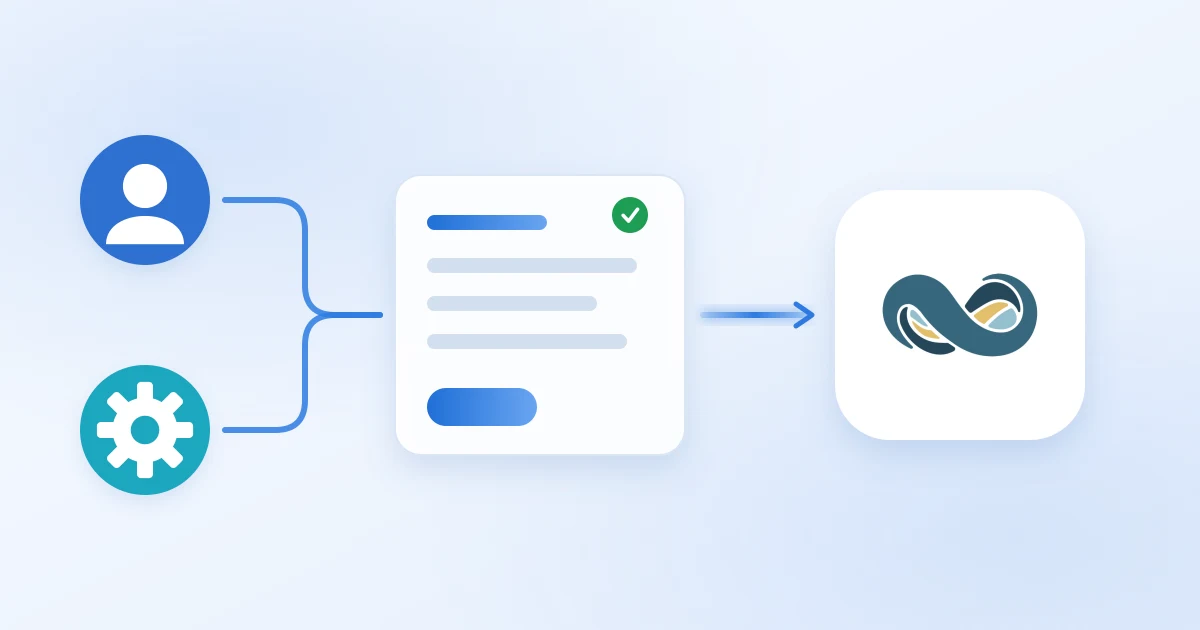
It is less of a choice than the question suggests. A consultant configures NetSuite, makes the structural decisions and runs the project. An automated tool moves the data. Most good migrations use both, and the real decision is who does the data movement and who checks it.
A note before we start: we make one of the tools in this comparison. We have tried to describe the consultant side as fairly as the tool side, and where a consultant is the right call we say so.
What each one actually does
The two are often compared as if they did the same work. They overlap on one task and are separate on the rest.
| Consultant or implementation partner | Automated migration tool | |
|---|---|---|
| Configures NetSuite | Yes | No |
| Designs the chart of accounts, subsidiaries and dimensions | Yes | No, though it applies mappings you decide |
| Extracts data from the source | Yes, by hand or scripts | Yes |
| Maps and loads records | Yes, in hours | Yes |
| Proves the result matches the source | Depends on the scope | Built in, in SuiteMigration’s case |
| Trains your team and runs go-live | Yes | No |
| Priced by | Hours and rate | Per migration or per engagement |
The overlap is the middle three rows: extraction, mapping and loading. That is the data movement, and it is the part of a project where an hourly quote is hardest to predict.
Where consultant hours go on the data
Published rates for US NetSuite consultants run roughly $85 to $250 an hour, architects higher. The rate is not the uncertain part. The hours are, because they are an estimate of how much trouble is in a dataset nobody has opened. Two businesses with the same record counts can need very different effort. The cost breakdown walks through why.
The by-hand route is also slow for a mechanical reason. NetSuite’s Import Assistant takes up to 25,000 records or 50 MB per import job, and QuickBooks exports lists and reports, not import files. Years of history become a stack of CSVs per record type, each rebuilt and checked. That is skilled time spent on reshaping, and the CSV guide covers the failures that appear along the way.
None of this is an argument against consultants. The question is which consultant hours you want to pay for.
Where a tool earns its place
A tool is strongest where the work is repetitive, checkable and large.
- Before anything loads. An audit can read the source in full and list what NetSuite would reject, so the quote is written against measured data. See the free Migration Readiness Audit.
- Volume. Moving a company with 4,127 customers, 2,340 vendors and 217,359 transaction records is repetitive work, which is what a tool does well.
- Rehearsal. Repeating a sandbox load is cheap when it is a re-run instead of another round of file preparation. The sandbox testing guide covers how to use it.
- Proof. Record-level reconciliation compares each transaction against its source, which is slow to do by hand. See why matching totals is not enough.
Where a consultant is the better call
A tool does not decide anything, and a migration is mostly decisions.
- You have no NetSuite experience in-house. Subsidiary, department, location and class carry reporting meaning, and that meaning has to be settled before the first record loads. Someone has to settle it.
- The implementation is bigger than the data. Integrations, workflows, roles, training and go-live support are a consultant’s work.
- The source is not one we cover. SuiteMigration supports QuickBooks, Xero and NetSuite-to-NetSuite moves, and Dynamics GP migrations are covered on our GP migration page. For other sources, such as Sage, a specialist or a partner is the sensible route.
- You want one party accountable for the whole project. A tool supplier is accountable for the tool.
SuiteMigration is data only. It moves the records and does not configure NetSuite or run the implementation, so it is not a substitute for a partner when you need one. That is why, for a company without NetSuite experience, our own advice is to have one of our consulting partners handle the migration, or to have at least one NetSuite-certified administrator on your side.
Using both
The most common good arrangement is the simplest one: the consultant owns the project and the tool does the data slice.
- The consultant scopes the project from a measured audit, not from a questionnaire.
- The consultant makes the structural decisions and applies the mappings.
- The tool runs the load into a sandbox, as many times as it takes.
- The consultant reviews the reconciled result with whoever signs off the books.
- The tool runs production against a controlled cutoff.
This is how SuiteMigration is meant to be used by partners. There is no reselling or licensing arrangement. The consultant subscribes directly and uses it to deliver the migration to their own clients, and the client relationship, scope and billing stay with the consultant.
It also changes what the consultant is selling. The hours move from file preparation to review and decisions, which is the part clients value and the part a tool cannot do.
Four questions that decide it
- Does anyone on our side know NetSuite? If not, start with a consultant. A tool will carry the data. It will not tell you what shape it should have.
- How much history do we need to move? Open items and balances are within reach of the by-hand route. Full transaction history is where the volume, rework and proof problems start.
- Who signs off the result, and on what evidence? If the answer is a trial balance someone ties out in a spreadsheet, you are buying a risk. If the answer is a per-record reconciliation, the evidence exists before the question is asked.
- What does the quote assume? Ask whether history is in scope, how many test loads are included, what a redo costs and who pays. The scoping guide lists what a scope document should contain.
How SuiteMigration handles it
SuiteMigration is built to sit alongside consultants, not replace them. It connects to QuickBooks or Xero and to NetSuite, runs the free audit, maps the data, pushes to a sandbox and then to production, and reconciles the result. Sandbox and production pushes are covered by the same per-migration price.
The audit report is white-labeled, so a partner can put it in front of a prospect as their own. It turns a data-quality conversation into a document.
If you are a consultant, the partner page explains how it works in practice. If you are a company choosing between the two, the free Migration Readiness Audit gives you something concrete to bring to either conversation, and the full QuickBooks to NetSuite guide compares every method side by side.
Frequently asked questions
Should I use an automated tool or consultants for a NetSuite data migration?
Usually both, doing different jobs. A consultant configures NetSuite, decides the structure and runs the project. An automated tool moves the data. The choice is really about who does the data movement: consultant hours spent on exports, reshaping and imports, or a tool built for it. If you have an implementation partner, ask them to use the tool for the data slice. If you have no partner, a tool alone does not set NetSuite up for you.
Can an automated tool replace a NetSuite consultant?
Not for the whole project. A migration tool moves records. It does not configure NetSuite, design the chart of accounts, set up subsidiaries or train your team. It can replace the consultant hours spent on the data movement itself, which is where hourly quotes tend to move.
Can I migrate to NetSuite without a consultant?
Sometimes. If you have at least one NetSuite-certified administrator in-house, the structure is settled, and the source is QuickBooks or Xero, a tool can carry the data. If nobody on your side has run NetSuite imports before, the risk is in the decisions around the data, not the data. SuiteMigration recommends one of its NetSuite consulting partners handle a migration for a company without that experience.
Is an automated migration tool cheaper than a consultant?
For the data movement, it usually changes the shape of the cost more than the size. A consultant quotes hours, which is an estimate of how much trouble is in a dataset nobody has counted. A tool is typically priced per migration. The saving shows up as fewer hours on the data slice and fewer change orders, not as a smaller implementation.
Do NetSuite consultants use migration tools?
Many do. A tool does not replace their client relationship, scope or billing. With SuiteMigration, a consultant subscribes directly and uses it to deliver the data migration to their own clients. How the tool appears on the client's invoice is the consultant's choice.
What should I ask a consultant before they quote the data migration?
Whether the quote covers transaction history or only open items, how many test loads are included, what a load that has to be redone costs and who pays for it, whether record-level reconciliation is part of the scope, and who signs off the result. A quote that cannot answer these is priced against a dataset nobody has measured.