

How to Validate Financial Data Before and After a NetSuite Migration
Validation happens in three places: on the source before you load, on the sandbox result while you can still fix it, and on production before anyone posts. What to check at each point, and how automated tools check accuracy.

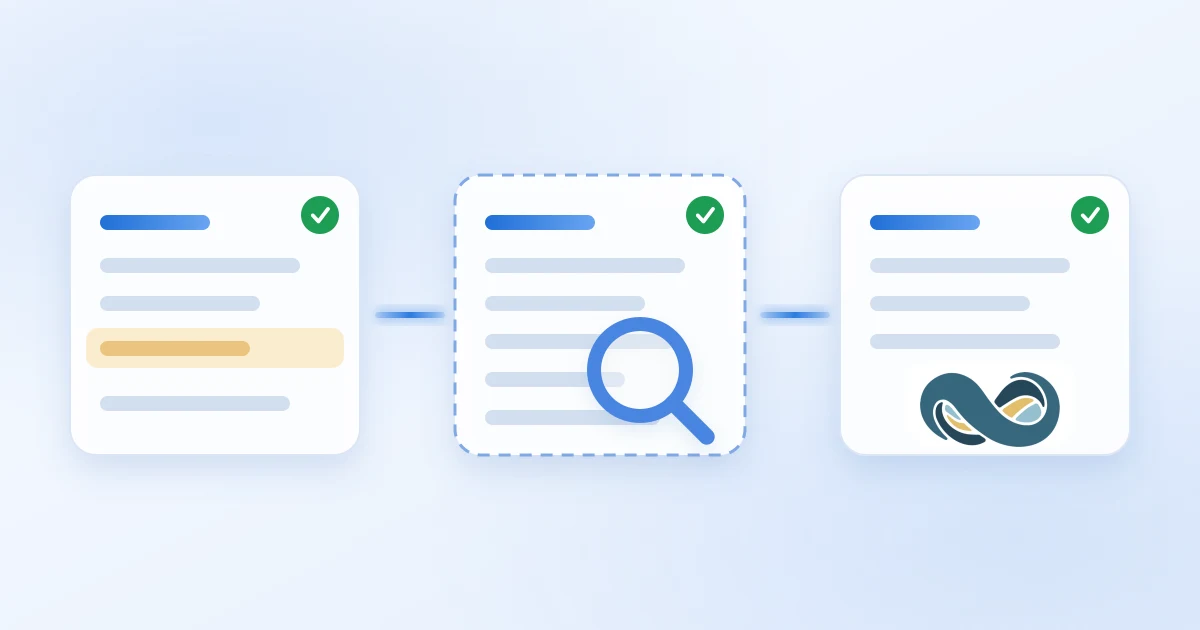
Validate a NetSuite migration in three places: on the source before anything loads, on the sandbox result while a mistake is still cheap, and on the production result before anyone posts a transaction. At each point, compare balances account by account first, then reconcile record by record. A trial balance that ties does not prove the migration is right.
This post covers what to check at each stage and how automated tools verify accuracy.
The three validation points
| When | What you are checking | What it catches |
|---|---|---|
| Before loading | The source data and the mapping | Records NetSuite will reject, wrong account types, duplicates |
| Sandbox result | The loaded data against the source | Wrong mappings, missing records, balances that do not tie |
| Production result | The final load against the source | Everything above, plus what changed since the sandbox run |
Skipping the first one is the most common mistake. Problems found before a load cost an edit in the source. The same problems found after cost a re-run, or a correction on live books.
Before you load: validate the source
NetSuite enforces rules the source system never did. QuickBooks Online allows display names of up to 500 characters, and NetSuite rejects names over 83. A migration that has not checked for these finds out one failed record at a time.
Check for records NetSuite will reject. The usual causes:
- fields over NetSuite’s character limits
- invalid email, phone or website formats, including several email addresses in one field
- missing required names, or an individual recorded as a company
- duplicate vendor or item names, which NetSuite refuses
- transactions missing a required customer or payee
- income and expense accounts mapped to the wrong account type
Check the mapping. Every account that still appears on invoices, bills, payments or journals needs a destination of the right type. A bank account pointed at an expense account rejects the check rather than posting it, and one wrong mapping fails every transaction that uses it. The challenges post lists the type rules, and the field mapping guide covers the rest.
Write down what you expect. Record counts by type, and closing balances by account at the cutover date. A count you never recorded cannot be checked later.
For a company with 4,127 customers, 2,340 vendors, 487 items and 52 employees, a pre-migration audit might flag 124 customers, 70 vendors, 17 items and 2 employees for attention. The number that matters is not the total. It is which findings stop a go-live and which can wait.
The free Migration Readiness Audit does this check across the whole dataset. It reads the source in full and writes nothing to NetSuite, and it can be re-run as often as you like, so the normal pattern is to run it, fix what is worth fixing at source, and run it again.
After the sandbox load: compare balances first
Once data is in the sandbox, compare it against the source. Start with balances, because they are the quickest way to find where to look.
- Trial balance, account by account. Not the grand total. Two errors in opposite directions produce a matching total.
- Balance sheet and profit and loss, period by period. Across the full range, not a spot check.
- Receivables and payables detail against their control accounts. If the aged report and the general ledger disagree, something was counted twice or not at all.
Differences are diagnostic. A variance isolated to one account usually points at a mapping. A variance that moves between sections points at an account type. One that appears only after a year boundary points at the fiscal-year close.
This is harder than it sounds, because NetSuite has no financial statements API and has to be rebuilt from the ledger. The financial statements post explains why, and what computing a statement correctly involves.
Then reconcile record by record
Balances prove the totals agree. They cannot prove the same transactions are behind them. Three kinds of error leave every total intact:
- Wrong composition. Five itemised lines flattened into one summary line.
- Missing and overstated. One record absent while an unrelated record is too high by the same amount.
- Wrong form. A payment recorded as a journal entry, so the amount lands and the invoice stays open.
Record-level reconciliation compares each source record with its NetSuite record. For every record it can show:
| Status | Meaning |
|---|---|
| Matched | Every selected check passed against the destination. |
| Mismatched | The record exists in NetSuite but a compared field disagrees with the source. |
| Missing in Destination | A pushed record was not found in NetSuite. |
| Not Pushed | The record has not yet been successfully pushed. |
| Not Reconciled | No comparison has been captured for the record yet. |
Each status is a worklist item. The job becomes working through the records that are not yet Matched.
Two cautions apply to any record-level check, ours included:
- “Matched” is only as strong as the checks behind it. A totals-only comparison confirms fewer fields than a full one, and even a full comparison is not a line-by-line audit of every account, tax code and memo.
- Fields that drive payment, inventory, tax, revenue recognition or regulatory filings deserve their own check or a deliberate sampling control.
Read some records yourself
After the automated checks, open a few records by hand. A customer with a part-paid invoice, a vendor with a credit, an item with more than one cost layer. Ten minutes of reading real records finds things a report will not, and it is the one step where sampling is the right tool.
Before anyone posts in production
Repeat the balance and record checks on the production load, and add the ones specific to go-live:
- every clearing and suspense account at zero, including ones NetSuite created for you
- receivables and payables not counted twice between an opening balance and imported invoices
- inventory quantity and value by item
- which accounting periods are open and which are locked
The cutover checklist covers these in order. Production runs against a later cutoff than your sandbox did, so a clean sandbox result does not replace these checks. The sandbox testing guide covers what the earlier run can and cannot tell you.
How automated tools validate accuracy
Not every tool validates anything. Ask what a tool actually compares, and when.
A tool that reports “push complete” has told you the calls returned. It has not told you the data is right. A record can post, be accepted, and still be wrong, which is the failure mode that matters most because nothing flags it.
Look for three things:
- Validation before the push. Records checked against NetSuite’s rules first, so a failure is found in the source, not on the way in.
- Aggregate comparison. Statements from both systems computed under one set of rules and compared period by period, so a difference can only mean the data differs.
- Record-level comparison. Each pushed record pulled back from NetSuite and compared with its source, with a status per record and a visible flag where a record was posted in a different form, such as a journal entry in place of a native record.
The two comparison layers answer different questions. Aggregate checks catch magnitude, meaning whether the buckets ended up the same size. Record-level checks catch identity and completeness, meaning whether each transaction is there and is still the same transaction. Passing the first says nothing about the second.
How SuiteMigration handles it
SuiteMigration validates at each of the three points. The Migration Readiness Audit runs before anything is loaded, and records are checked against NetSuite’s rules before they are pushed. After each push, trial balance reports compare NetSuite against the source period by period, and per-record reconciliation compares each transaction against its source and gives it a status. The same checks run after the sandbox push and again after production.
Deciding what is acceptable stays with whoever signs off the books. Whether a payment posted as a journal entry is the form the business wants, or whether a field that drives tax needs a purpose-built check, is their judgment. The status list gives them a worklist to sign off against.
To see what the source looks like before you commit to anything, start with the free Migration Readiness Audit.
Frequently asked questions
How do you validate financial data before a NetSuite migration?
Read the source for records NetSuite will reject, such as names over the length limit, duplicate vendors or items, malformed emails and missing required fields. Check that every account still in use has a destination of the right type, and write down expected record counts and closing balances. A free pre-migration audit does the first part against your whole dataset instead of a sample.
How do you validate data after a NetSuite migration?
In two layers. First compare balances account by account and period by period against the source, covering the trial balance, balance sheet and profit and loss. Then reconcile record by record, so each source transaction is matched to its NetSuite record and flagged if it is missing, altered or posted as a different type. Either layer alone misses errors the other catches.
How do automated NetSuite migration tools validate data accuracy?
Good ones run two kinds of check. Aggregate checks compare statements from both systems under one set of rules. Record-level checks pull each pushed record back out of NetSuite and compare it with its source, giving every record a status such as matched, mismatched or missing. A tool that only reports that a push succeeded has validated nothing about accuracy.
If the trial balance ties, is the migration correct?
Not necessarily. A trial balance proves the balance per account agrees. It cannot prove the same transactions are behind it. A record can be missing while another is overstated by the same amount, or five itemised lines can arrive as one, and every total still ties.
Can you validate a migration with a sample of records?
A sample can catch a systematic mapping error, but it is the wrong tool for completeness. Failures cluster in a small share of unusual records, and a missing record is by definition one you did not think to check. Validate the whole dataset by comparison, and use sampling only for the final human read.
How long should you keep the source system after a NetSuite migration?
At least until reconciliation is confirmed and the books have closed cleanly in NetSuite. Validation compares NetSuite against the source, so changing the source underneath it removes the baseline. How long beyond that depends on your retention requirements.