

5 Common Challenges in a Full NetSuite Data Migration
A full data migration to NetSuite is more than opening balances. Five challenges that show up when customers, vendors, items, and transaction history all have to land intact: account mapping, source transactions, customers and vendors, transaction type, and push order.

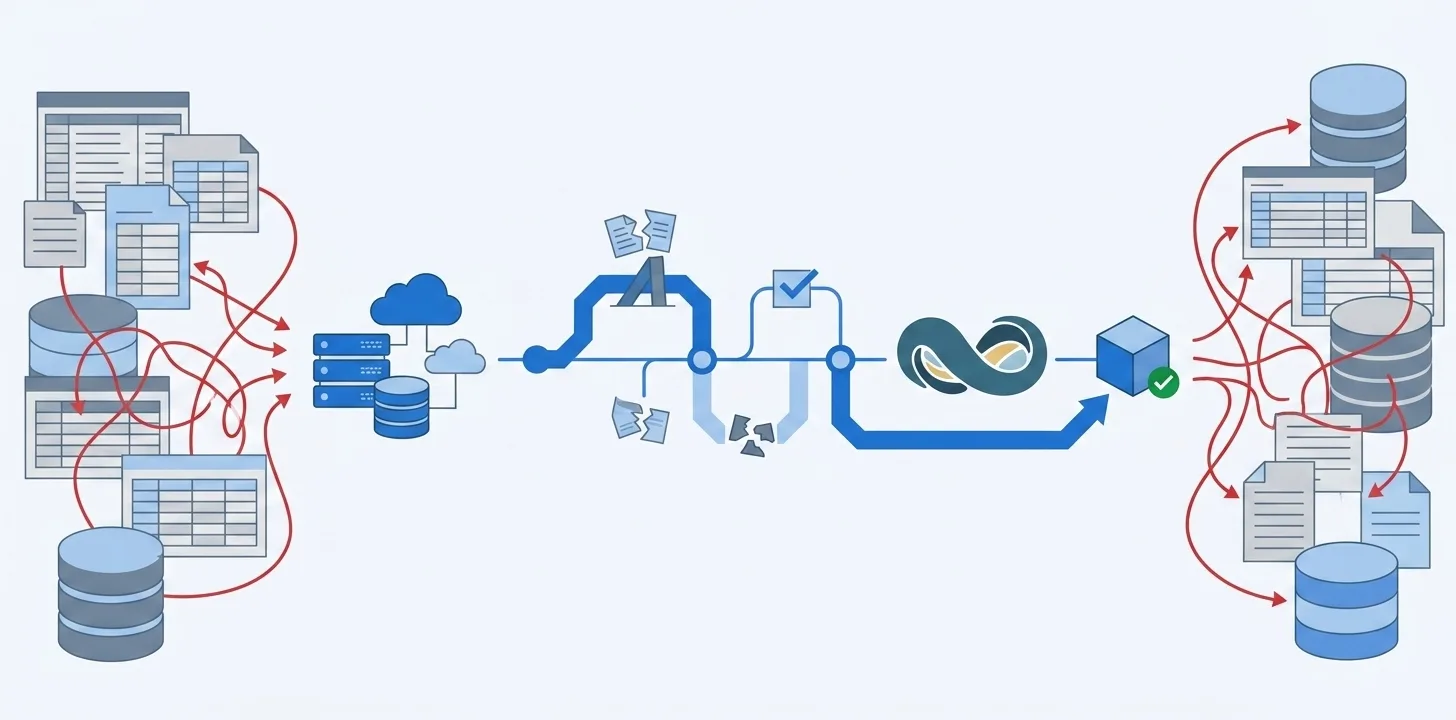
A full data migration to NetSuite means bringing the books with you: customers, vendors, items, invoices, bills, payments, and the years of history that explain them. Opening balances can make the totals look right. They cannot give users the invoices they need to apply a payment against, or the customer history support will search for on day one.
The hard part is not copying values from QuickBooks or Xero into NetSuite. It is making sure each record arrives with the account, parent, transaction type, and links it needs, and that the history you agreed to bring is actually there.
These five challenges show up in almost every full-history move. They are data and accounting problems, not tool problems. They appear whether you load with CSV, middleware, or a migration product.
The checks below happen at different stages. They catch the common failures before a mapping error repeats across a whole load, NetSuite rejects a record, or a payment cannot find its invoice.
1. Account mapping
One wrong account mapping fails every transaction that uses that account. Account mapping is not a chart-of-accounts cleanup you can finish after transactions are already in NetSuite. NetSuite checks the destination account type when it creates the record. Validate the mapping after destination accounts are chosen and before any transactions are loaded. At that point, one incorrect row is still one incorrect row.
Three mapping problems, and what to do with each:
- Wrong account type. A Bank account pointed at an Expense account, or a vendor bill pointed at something other than Accounts Payable, will reject the check, bill, or payment rather than post it. Checks and deposits need a Bank account. Cash sales and cash refunds need a Bank account or Undeposited Funds. Credit-card charges and refunds need a Credit Card account. If the source transaction is valid, keep it as it is and correct the mapping.
- Many-to-one mapping. Several source accounts can point to one NetSuite account when that is the intended chart. The same pattern hides a problem when two A/R or A/P accounts are collapsed so a split payment will load: totals look right, and the history that explained them is gone. Do not “fix” an invalid source transaction by remapping it. Split the payment in the source instead, which is the next check.
- Used account left unmapped. An unused or deprecated account can stay unmapped. An account that still appears on invoices, bills, payments, or journals cannot: those transactions have nowhere to post and will fail when they are created in NetSuite. Map every in-scope account to a destination of the right type, then run the mapping checks again before any transactions are loaded.
2. Fix source transactions
Some transactions need to be corrected in QuickBooks or Xero before they can become valid NetSuite records. Mapping cannot make an invalid transaction valid without changing what happened.
Three source problems, and what to do with each:
- Payment spans two A/R or A/P accounts. One customer payment cannot apply invoices or credits posted to different A/R accounts. The same is true for a vendor payment and A/P. Split the payment in the source, then migrate the replacement payments.
- Missing customer, vendor, or payee. A check with no payee, or a sales receipt with no customer, can exist in QuickBooks or Xero. NetSuite will not create it. Put the customer, vendor, or payee on the source transaction before it is created in NetSuite.
- Check coded to an expense account. A check has to come from a bank account. If it was entered against an expense account in QuickBooks or Xero, recode it to the bank there. Credit-card charges belong on a credit-card account, not an expense account.
3. Customers and vendors
Customers and vendors have to be valid NetSuite records before any invoice, bill, or payment can land on them. A source record can look fine in QuickBooks or Xero and still be missing a name, a parent, or a duplicate vendor or item.
Three problems, and what to do with each:
- Duplicate vendors or items. NetSuite checks vendors and items for duplicates; it does not check customers the same way. Two vendors or two items with the same name will fail. Merge or rename them in the source before bills and item lines refer to both copies. Two similar customer names will both load, so invoices for one company can split across two customers unless you merge those records in the source first.
- Sub-customer without a parent. A sub-customer bills and pays through its parent. If that relationship is not carried into NetSuite, the sub-customer lands as a top-level customer. Invoices still post, but asking what the parent owes does not include them. Create the parent first and keep the relationship on the child. Projects work the same way: they are customers with a parent.
- Individual recorded as a company. QuickBooks often stores a person in the company name field, or saves a customer with a contact and no company name. NetSuite separates individual and company, and it requires a name. Set the right type and fill the name in the source. The company name to customer name mapping is where this usually surfaces. Vendors have the same individual and company types.
4. Transaction type
A journal entry is the fallback when NetSuite has no supporting record type. It carries the amount. It cannot retain which invoices were paid, which bills were settled, or which payments made up a deposit. Use it when that is the only option, not when a customer payment, vendor payment, or deposit already exists as a NetSuite document.
Three transaction-type problems, and what to do with each:
- No supporting record type. Payroll checks, sales-tax payments, and sales-tax adjustments often have no NetSuite document to create. A journal entry is the right type. The amount lands; the original check or tax payment will not exist in NetSuite. Note that gap in the migration plan.
- Supporting type exists. Customer payments, vendor payments, and deposits have NetSuite documents. Substituting a journal entry still ties the trial balance, but it cannot apply the payment, so the invoice stays Open and the bill stays unpaid. Create the payment or deposit. Migrating payments as journal entries is what that substitution looks like in A/R aging.
- Deposit of undeposited funds. Undeposited Funds is a list of payments waiting to be deposited, not one cash balance. The supporting type is the deposit, and it has to name those payments. A journal entry will move the bank total and leave the payments sitting in Undeposited Funds with no deposit to collect them.
5. Push order
Create a record only after the records it refers to already exist in NetSuite.
A working order:
- Accounts and setup: chart of accounts, payment terms, tax codes, and classes, locations, and departments.
- Customers and vendors: parent customers before sub-customers. Employees if transactions name them.
- Items.
- Invoices, bills, credit memos, vendor credits, and cash sales.
- Customer and vendor payments.
- Checks, credit-card charges, and credit-card refunds.
- Deposits.
- Transfers, payroll, and tax payments.
Three order problems, and what to do with each:
- Payment before the invoice or bill. A customer payment applies to invoices; a vendor payment applies to bills. Credit memos and vendor credits work the same way. Those documents have to exist before the payment that closes them.
- Bank deposit of undeposited funds. The deposit names the customer payments and cash sales sitting in Undeposited Funds. Create those records first, then the bank deposit.
- Customer payment that applies a deposit as a credit. The reverse of the bank deposit above. The deposit has to exist before that payment can apply it.
A full data migration is judged on whether each record arrives with the right account, a valid source, usable customers and vendors, the transaction type users can work with, and the links NetSuite needs, in that order. These five checks are how you find that out before anyone relies on the NetSuite books, not after.
The good news is that these five checks are the whole of it. Once you can name them, the migration stops being a mystery and becomes a list you can work through. When you are ready to weigh how to actually make the move, our complete guide to QuickBooks to NetSuite migration lays out every method side by side, so you can see how much of this each one handles for you.
Frequently asked questions
What does a full data migration to NetSuite include?
Customers, vendors, items, and the transaction history behind the numbers: invoices, bills, payments, and applications, not only opening balances. Users can find and work with the documents, instead of a total with nothing underneath.
When should we validate account types?
Validate after destination accounts are mapped and before any transactions are loaded into NetSuite. At that point, you can identify one incorrect account mapping before it produces failures across every transaction that uses it.
Can we leave a source account unmapped?
Yes, if nothing in scope still posts to it. An unused or deprecated account can stay unmapped. An account that still appears on invoices, bills, payments, or journals cannot: those transactions have nowhere to land and will fail when they are created in NetSuite.
Can we load payments before invoices and bills?
No. Load the documents that create open balances first. Then load payments and credits that apply to them. Deposits can create an exception, so check whether a deposit collects payments or is itself applied as a credit.
Can we use journal entries to solve every NetSuite rejection?
No. A journal entry can preserve an accounting balance, but it does not automatically preserve applications, payment lists, or the original transaction history. Decide which of those the client needs before choosing it.