

5 Benefits of Automating a NetSuite Migration
NetSuite's CSV Import Assistant is free and it works. What you're actually buying when you automate a QuickBooks or Xero migration instead: five things that change, and when the free route is enough.

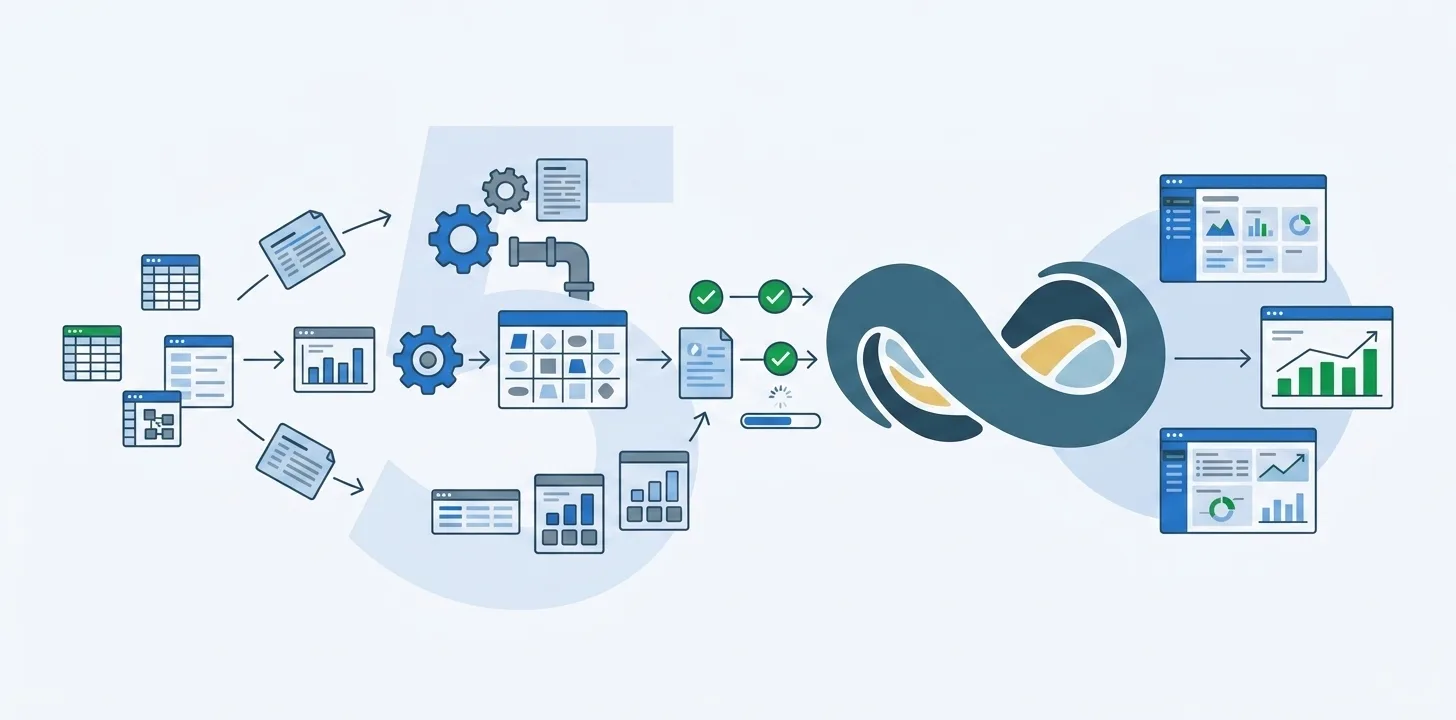
Every QuickBooks or Xero to NetSuite migration starts with the same free tool. NetSuite’s CSV Import Assistant takes one file per record type, walks you through matching the columns, and loads what it can. It accepts 25,000 records per file, so anything bigger gets split and loaded in dependency order.
For a small company with one entity and clean books, this works. Consultants have done it this way for years.
The question is what you’re buying when you automate it instead. Not “faster” or “cleaner”, which every vendor says. Five specific things change.
1. You find out what will fail before you start
The Import Assistant tells you what NetSuite rejected after you upload. So you learn about the company names over 83 characters on the first attempt, the contacts with two email addresses on the second, the item descriptions over 4,000 characters on the third, and you work through the error file one upload at a time.
An automated migration runs those checks first. A readiness audit tests the whole source dataset against NetSuite’s rules: field lengths, phone and email formats, duplicate item names, vendor bills pointing at an account that isn’t typed as Accounts Payable, transactions with no payee. You get the complete list before anything is pushed.
2. Mapping stops being a workbook
A manual migration keeps its mapping in a spreadsheet: a tab per record type, a column of QuickBooks fields, a column of NetSuite fields, and a load order that has to be right because invoices need customers and payments need invoices. That field mapping is where the hours go, and it scales with the data: figure on at least a few working days per year of QuickBooks history to get it in order. It is also the part experienced consultants would rather run programmatically than through a stack of CSVs.
Automation ships with the QuickBooks and Xero mappings built, custom fields and metadata included, so the workbook stops existing. What’s left is the handful of decisions that need a person, such as where a QuickBooks class belongs among NetSuite’s department, location, and class.
3. You can run it more than once
With CSV files, a rerun is expensive. You re-export, work out which records already landed, strip them so nothing posts twice, and upload again. So most manual migrations get one real attempt, straight into production.
An automated migration is built to be repeated. It pushes into a NetSuite sandbox first, one to three times at the consultant’s discretion, then into production. A record that fails is retried on its own rather than as part of a 25,000-row file, and every mapping change, push, error, and retry is logged. That rehearsal is most of why the load itself takes days rather than the weeks to months a data migration typically runs to.
4. Relationships and history arrive together
The shortcut manual migrations take under time pressure is to load history as journal entries. The balances land, the trial balance ties, and it is genuinely quicker. The problem surfaces later: load years of bills and payments as journal entries, and when someone goes to pay one of those bills, it no longer exists as a Vendor Bill to pay against.
An automated migration loads each record as what it was: invoices as invoices, bills as bills, and payments applied to the invoices they settled, so the aging reports are right on day one. It is also what makes bringing full history realistic. A company with 217,359 transactions is looking at nine CSV files at minimum, split by type and loaded in order, which is why manual projects so often stop at open balances.
5. You can prove it landed
A manual migration is finished when the trial balance ties. That proves the totals survived. It doesn’t prove the transactions did: a payment applied to the wrong invoice or a customer merged into a near-duplicate leaves the trial balance exactly where it was.
An automated migration checks both. The trial balance against the source, and then every record against its original: each customer, vendor, invoice, bill, and payment, individually. Whoever signs off, auditor or CFO, gets a report rather than an assurance.
When the free route is enough
If you’re moving one entity, bringing open balances only, with a few thousand clean records and nobody who will ask how a particular transaction got there, use the Import Assistant. It’s free, and anything else won’t pay back.
If you’re bringing history, if payments need to stay applied to what they paid, if the record count runs past a handful of files, or if someone will eventually ask for proof, the five differences above are the project. Doing them by hand is what makes a migration cost more than it looked like it would, and it’s why experienced consultants would rather run the import programmatically than through a stack of CSVs.
Frequently asked questions
Can you migrate QuickBooks to NetSuite with the CSV Import Assistant?
Yes, and most manual migrations do: one CSV per record type, columns matched in the assistant, files loaded in dependency order so customers exist before invoices and invoices before payments. For one entity with clean books and open balances only, it's a reasonable route. Its limits are the ones covered above: validation happens after upload, every rerun is by hand, and shortcuts like loading history as journal entries surface later in the aging reports.
How many records can NetSuite's CSV import handle?
25,000 records per uploaded file, per NetSuite's documentation. Anything larger is split across files and loaded one import at a time. A company with 217,359 historical transactions needs at least nine files for transactions alone, each with its own upload, error file, and rerun if something fails.
What does an automated migration tool do that CSV import doesn't?
Five things. It tests the whole dataset against NetSuite's rules before anything is pushed. It carries the QuickBooks and Xero mappings, so nothing lives in a workbook. It pushes into a sandbox first and retries single records rather than whole files. It loads each record as its native type, with payments applied to the invoices they settled. And afterwards it checks every record against the source, not only the trial balance.