

Outgrowing QuickBooks? When to Move to NetSuite
Why the move off QuickBooks or Xero keeps getting deferred, and what the workaround is quietly costing while it waits.

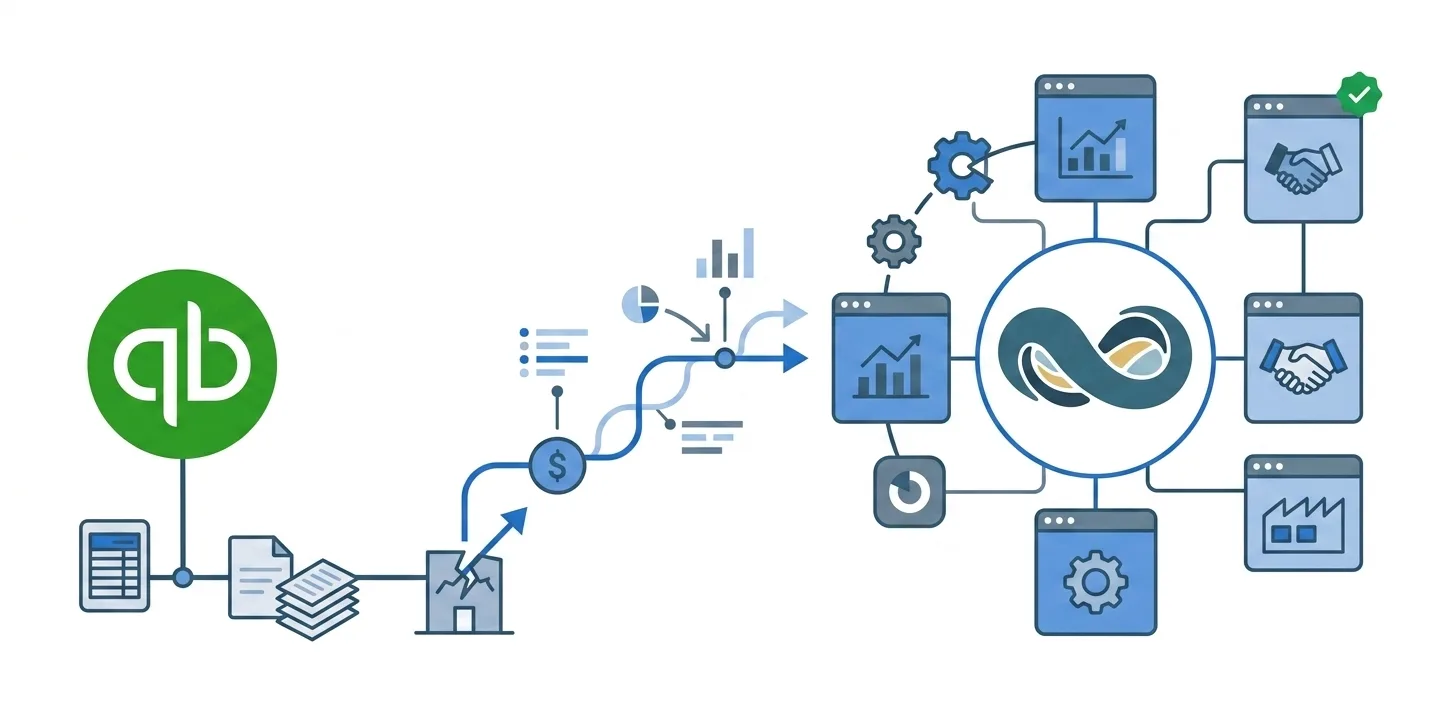
Somewhere in your finance team there’s a spreadsheet nobody else is allowed to touch.
It has a tab per entity, a tab that maps the account codes, and a tab at the end where the numbers finally agree. One person built it. That person knows which cells are formulas and which ones somebody typed over in a hurry two Decembers ago. When they’re on leave, the close waits.
You already know this is a problem.
Does this sound like you? Five things we see in the months before a business moves:
- Basic reports have to be built before they can be run.
- Consolidation takes days, and mostly one person’s days.
- The next finance hire would exist to operate the workaround.
- Forecasts miss in the same direction, every time.
- Opening in another country would mean a second instance of everything.
One is a bad quarter. Three or four at once is what this article is about.
You already know. That was never the problem.
Nobody running a growing business on QuickBooks or Xero is confused about it. You can list what hurts without being prompted. You could write most of this article.
The reason it hasn’t happened is arithmetic. A migration wants a quarter of your attention, and the next close is nine days out. No month volunteers. Q1 is the audit, Q2 is planning, Q3 is when the two people who’d have to run it are away, and Q4 is Q4.
So it carries forward again, and carrying it forward isn’t irrational. It’s the only option that doesn’t threaten the thing directly in front of you.
The harder part to see from the inside is that the workarounds are working. That’s what makes them expensive. A workaround that fails gets killed inside a week; a workaround that succeeds gets one more tab every quarter for five years, until it’s load-bearing. Nobody sits down and decides to run a company’s financials out of a spreadsheet. You just never get a day where stopping costs less than continuing.
What the workaround already costs
There is a bill for this. It doesn’t arrive as an invoice, which is why it never gets compared against the cost of moving.
Part of it is time, and that’s the part teams can usually estimate: days per close, twelve times a year, across everyone in the chain. It’s still undercounted, because the hours spent chasing a variance that turns out to be a rounding difference don’t get logged against anything.
The rest is harder to price. Sales lives in one system, inventory in another, a plug-in bridges the gap, and the workbook is what makes them agree. So most numbers have two versions, and the real one is whichever the workbook produced last.
The effect we see most often isn’t a wrong figure reaching the board. It’s that leadership stops asking finance for a number and starts asking for the number and how much to trust it. A business that quietly discounts its own reporting makes slower decisions, and nobody traces that back to the accounting system.
Then there’s the person. One person understands the workbook. That isn’t a criticism of them, it’s what happens when a tool is built instead of bought. But it means your close has a single point of failure with a calendar and a family.
What NetSuite offers against all of this is boring and structural: finance, inventory, orders, and CRM in one database, so the reconciliation step stops existing rather than getting faster. That’s the real claim behind NetSuite’s case for system integration. Nothing to export, nothing to re-import, nothing to force into agreement. The dashboard is live because there’s only one set of numbers for it to be live about.
The three things you’re afraid of losing
Ask a finance lead what’s actually stopping them and you rarely hear “I’m not convinced by the product.” You hear one of these.
“We’ll lose ten years of history”
This one comes up first, and it’s a fair fear, because plenty of migrations do exactly that. There is a clean-break option: bring open balances only and start fresh. It’s genuine advice that suits some businesses, and it’s also what teams fall back on when moving history turns out to be harder than the plan assumed.
The cost shows up later. Year-over-year comparison needs both years in the same system. So does a forecast worth the name: a model built on four quarters is describing last year, not predicting the next one. And when a customer calls, your team either sees the whole relationship or goes back to the old system to find it, which means the old system never actually gets switched off.
Everything in NetSuite sits in one relational model, so the history you bring across is queryable the same way current data is: dashboards, KPIs, and trend lines over the full record rather than the slice that survived the move.
It also matters more each year than it did the last. Oracle keeps adding analytics and prediction features to NetSuite (Reuters), and none of them can tell you anything about a period you didn’t migrate.
“We’ll lose the way we work”
The custom fields. The statuses that mean something specific to your business. The workflow tweak somebody added in 2019 that nobody wrote down. That accumulation is years of decisions about how your company actually operates, and it is genuinely at risk in a migration, because it’s the part that doesn’t fit a standard import template.
NetSuite supports custom fields, metadata, and a flexible schema, so there’s no technical reason your setup has to be flattened into a vanilla chart of accounts.
Whether you’re coming from QuickBooks, Xero, or another NetSuite account, the thing to insist on is that the migration carries the relationships and not only the balances: which payment settled which invoice, which record links to which. Records that arrive individually correct but disconnected are a different kind of data loss, and a quieter one.
“We’ll trade one mess for a bigger one”
The fair version of this fear is that you’ve watched an ERP implementation go badly, or heard it first-hand from someone who lived through one.
Two things get blamed together in those stories: the platform you land on, and the move itself. They deserve separate answers, and the platform is the easier one. QuickBooks and Xero are excellent up to a point, and the point is complexity. Past there you aren’t fighting the software’s quality, you’re past its range.
| Complexity that arrives | What it turns into on QuickBooks or Xero |
|---|---|
| A second subsidiary | Two sets of books, consolidated by hand |
| A second currency | Rates and revaluations maintained in the workbook |
| Tax in a jurisdiction nobody planned for | Rules the system was never set up to hold |
| Revenue recognition | A schedule kept alongside the ledger rather than in it |
| Another sales channel | One more system for the workbook to reconcile |
NetSuite is built for that end of it: multi-entity structures, intercompany eliminations, consolidated reporting, tax handling, global financials, without re-platforming every time the business grows into something new.
It’s the ordinary reason teams leave. As Ossmcloud puts it:
“More customers, additional staff, and expansion into new markets create demands that basic software can’t always meet. … For many finance leaders, the logical next step is NetSuite.”
The manual processes come along with it. Approvals, recurring entries, validations, routing, commission runs are the things currently held together by a reminder in somebody’s calendar. In NetSuite they run as native workflows rather than as a habit. That’s what keeps working after the person who set it up leaves.
How to tell it’s actually time
The signal isn’t a bad month. Every finance team has bad months. It’s the same bad month arriving on schedule, with the same cause, and nobody surprised by it any more.
That’s the test worth applying, because severity misleads and repetition doesn’t. A brutal quarter can be a one-off: an acquisition, an outage, someone leaving mid-close. A mild problem that shows up identically every period is structural, and structural problems don’t resolve on their own.
The other half of the test is direction. Ask what last year’s version of this looked like. If the workarounds have grown since, the answer is already in.
What moving actually asks of you
How much it asks depends heavily on the route you take, and there are more of them than most people realise. Our guide to every way to migrate QuickBooks into NetSuite walks through each one and what it costs.
Not nothing. Worth being straight about that, because the version where it’s painless is the version that goes wrong.
Specifically:
- Deciding how much history comes across. It’s a real decision with cost on both sides, not a setting.
- Cleaning up source data first, because migrating a mess gets you the same mess with better reporting on top of it. A Migration Readiness Audit reads the source in full and tells you what needs fixing before anyone commits.
- Testing with the people who will actually use the system.
- Finding someone senior enough to settle it when two departments disagree about what a field means.
What has changed is the shape of the work. The bulk of a migration used to be mechanical: exporting, mapping fields by hand, VLOOKUPs, re-importing, then finding out on push day which thousand records failed and why. That part can be automated now, and automating it is what frees up the attention the rest of it genuinely needs. The judgment calls stay yours. The typing shouldn’t.
Outgrowing QuickBooks isn’t a failure of planning. The tool was the right call for the company you were, and it stayed the right call longer than most people expect. What changed is the company.
The move is easier to make while it’s still your decision rather than an emergency, before an audit, an acquisition, or a resignation turns it into one. Done properly, you arrive with your history intact and the way you work intact. That’s the difference between an upgrade and a fresh start you didn’t ask for.
FAQs
When should you move from QuickBooks to NetSuite?
There are two answers and the distance between them is the real problem: the business case for moving usually arrives years before the capacity to act on it. A workable rule is to compare a year of workarounds against the cost of the project, counting the finance team’s hours honestly on the workaround side, and then to schedule the move instead of waiting for a convenient quarter. Waiting has a specific failure mode, which is that the timing eventually gets chosen by an auditor, an acquirer, or somebody’s notice period.
What are the signs you’ve outgrown QuickBooks?
The signs that matter for planning are structural, because unlike a bad quarter they never improve on their own: a second legal entity, a second currency, revenue that has to be recognised over time, inventory across more than one location or channel, and financial reporting that someone outside the company depends on. Any one of those can be absorbed with enough manual effort. What ends the argument is two or three arriving together, because the effort compounds while the software’s range does not.
Does moving to NetSuite mean losing your QuickBooks history?
Not inherently. How much history comes across is a scope decision you make, not a limit of the destination system. What usually forces that decision is effort on the source side rather than anything in NetSuite. The asymmetry worth knowing before you choose: history is substantially cheaper to bring during the migration than to add after go-live, because a later top-up means re-establishing mappings and re-reconciling periods you had already signed off.
Will your custom fields and workflows survive the move to NetSuite?
Usually, though it depends on preparation more than on NetSuite. A custom field has to exist in the destination before anything can be written into it, with a compatible type and, for list fields, matching values. So the real work is an inventory: write down what you actually use, drop what you stopped using years ago, and create the rest in NetSuite before the first push. Workflows are a separate case. They are configuration rather than data, so they get rebuilt instead of migrated, and that is the piece teams most often forget to scope.
How much transaction history should you bring into NetSuite?
Enough that reporting, compliance, and customer service never need the old system. That’s the practical test. Compliance sets the floor; year-over-year reporting and any forecasting you rely on usually push it higher. Volume alone is a weaker argument for cutting history than it used to be, because the mechanical part of moving records can be automated.